 Total Visitors
  Online Users
  Today
Today  Yesterday

Statutory Genesis & Current Legal Posture
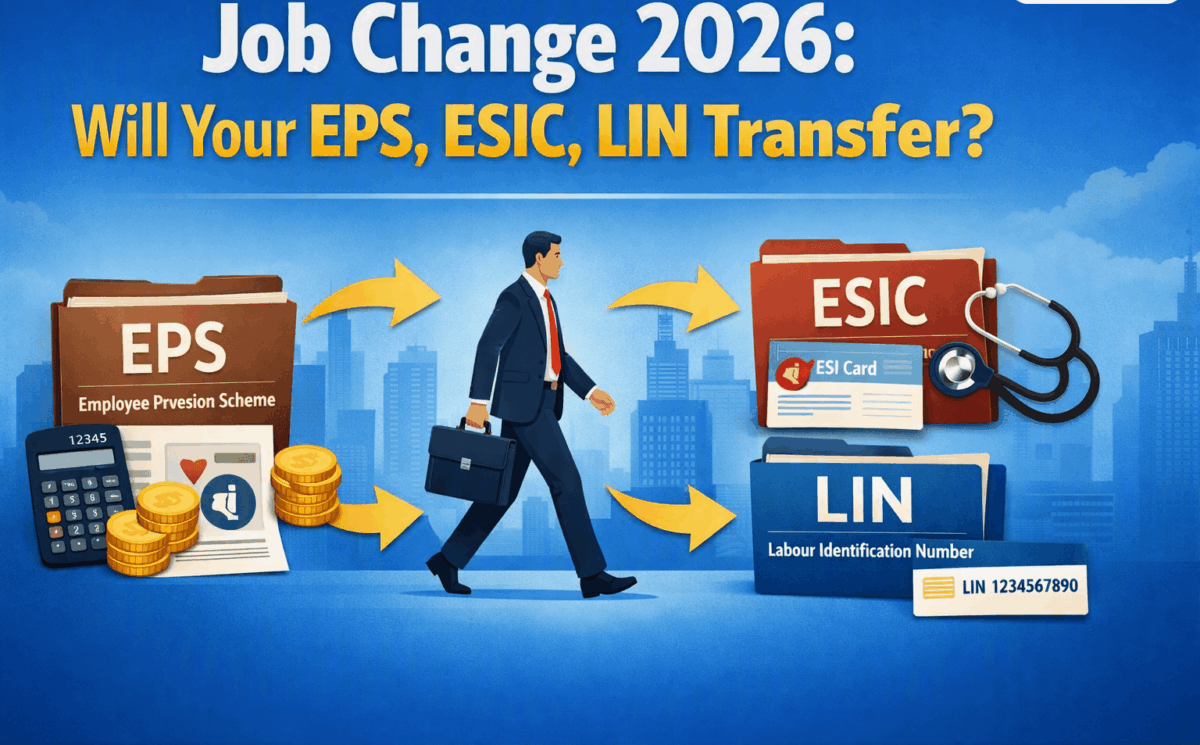
The short answer is no. You do not have to start fresh under the new 2026 regulations when changing jobs. Your LIN, ESIC, and EPS history are designed to be portable and should follow you. The EPS 2026 notification was issued on June 29, 2026, under the Code on Social Security, 2020, superseding EPS-1995 but explicitly protecting past benefits and ensuring the continuity of pensionable service for members migrating to a new employer.
The legal framework ensures that your Universal Account Number (UAN) for EPF/EPS and your Insured Person (IP) number for ESIC remain your permanent identifiers throughout your career. These identifiers link your service history and contributions across employers, eliminating the need for fresh registrations when you change jobs.
Your Permanent Identifiers: UAN and ESIC IP Number
UAN (Universal Account Number)
The UAN is your permanent identifier for EPF and EPS, remaining valid across jobs and throughout your career . It acts as a single point of reference that consolidates your service history and contributions across all employers.
- The UAN is generated by your first employer and is activated through Aadhaar Face Authentication Technology (FAT) on the UMANG app .
- When you change jobs, you must provide your existing UAN to the new employer. The new employer uses this to link your new employment to your existing service history.
- If you do not provide your UAN, the new employer may create a new member ID, fragmenting your service history and potentially affecting future pension eligibility.
HR’s Role: During onboarding, proactively collect the employee’s UAN to avoid duplicate registrations. Confirm that the UAN is active and that KYC details (Aadhaar, PAN, bank account) are updated.
ESIC IP (Insured Person) Number
Your ESIC IP number is a permanent 10-digit identifier that remains valid even after changing jobs, cities, or employers . It acts as a permanent key for accessing all ESIC benefits, including medical treatment, maternity leave, and cash reimbursements.
- When you join a new ESIC-covered establishment, you must provide your existing IP number to the new employer.
- The employer enters the IP number during registration on the ESIC portal, which links your contribution history to the new establishment .
- No manual transfer application is required. The system automatically updates the employer details. It may update your assigned dispensary or hospital if you relocate to a different ESIC region.
- Mistakes Matter: If a new employer registers you with a new IP number instead of your existing one, your contribution history may become fragmented, and you may be denied benefits that you would have otherwise received.
HR’s Role: Collect the employee’s existing IP number during onboarding. Verify it through the ESIC portal to avoid creating a duplicate IP number.
EPS Service History: Transferring the Right Record
This is where the most critical mistake happens. Many employees assume that transferring or withdrawing their PF balance is sufficient. It is not. The EPS service history must be separately transferred to your new employer’s account.
EPF vs. EPS: A Critical Distinction
| Aspect | EPF (Provident Fund) | EPS (Pension) |
| Purpose | Retirement savings account accumulating contributions and interest | Records pensionable service period for monthly pension eligibility |
| What You Can Do | Withdraw the full balance (employee + employer share + interest) after a 2-month waiting period | Transfer service history to the new employer to count years of service |
| What Happens When You Withdraw | You get your savings | The EPS service record remains attached to the old member ID and will not be transferred automatically |
The Problem: Fragmented Service History
Your pension under EPS is calculated based on your total pensionable service across all employers, using the formula: (Pensionable Salary × Pensionable Service) ÷ 70. To qualify for a monthly pension, you generally need at least 10 years of eligible service .
If service records from previous jobs are not linked to your new account, they will not be counted. A fragmented service history can be costly. If you have worked for a total of 10 years but only 6 years are reflected due to missing EPS transfers, you may not qualify for a monthly pension despite having actually completed 10 years of service .
How to Transfer EPS Service History: The Form 13 Process [FREE]
Step 1: File Form 13 Online: Log in to the EPFO member portal using your UAN. Navigate to the “Transfer Request” (Form 13) option under “Online Services” .
Step 2: Enter Previous Member ID: Enter the Member ID or UAN of your previous account.
Step 3: Select Current Employer: Select your current employer as the transferee.
Step 4: Authentication: Complete the process with Aadhaar OTP authentication.
Step 5: Track Status: You can track the transfer request status under “Track Transfer Request.” Once processed, a Transfer Certificate (Annexure K) is issued, which contains the comprehensive record of your PF balance with interest, complete service history, and employment details .
Why Even a Zero PF Balance Needs a Transfer
Even if you have withdrawn your entire EPF balance, your EPS service history remains attached to the old member ID. It must be separately transferred to your new account to ensure those years are counted for pension eligibility . Filing Form 13 transfers both your PF balance and your EPS service history to the new employer .
The Scheme Certificate (Form 10C): Your Safety Net
If you are leaving a job before becoming eligible for pension (before completing 10 years of service), you can apply for a Scheme Certificate (Form 10C) . This document officially records the pensionable service you have completed. If you join another EPF-covered establishment later, those earlier years can be added to your future service .
Form 10C is critical even if you have worked for less than 10 years, as it preserves your pensionable service for aggregation later .
How to Obtain a Scheme Certificate: Log in to the EPFO member portal using your UAN. Under “Online Services,” select “Claim (Form 31, 19, 10C, 10D).” Choose “Withdraw Pension Only” (Form-10C), fill the required details, generate OTP, and submit. The certificate will be issued to preserve your service years .
EPS 2026 Transition: Key Changes and Impact on Job Switching
The EPS 2026 notification, effective June 29, 2026, supersedes EPS-1995 but protects past benefits . Key aspects relevant to job changes:
1. No Change in Formula: The pension formula remains Monthly Pension = (Pensionable Salary × Pensionable Service) ÷ 70 .
2. No Change in Contribution Structure: Employer contribution remains 8.33% of wages (subject to wage ceiling); government contribution remains 1.16% .
3. Faster Claim Settlement: Pension claims must be settled within 20 days. If delayed without valid reason, 12% annual interest is payable on the delayed amount .
4. Automatic Migration: Existing EPS-1995 members are automatically migrated to EPS 2026; no fresh application is required .
Operational Checklist for a Job Switch in 2026 [FREE]
For Employees
- Provide Your UAN and ESIC IP Number to the New Employer. This is a non-negotiable first step .
- File Form 13 for EPS Transfer. File Form 13 immediately after joining the new employer, even if your EPF balance is zero .
- Check Service History on UAN Portal. After the transfer is processed, verify that the previous EPS service is reflected in your EPFO records. The service history section shows all employers linked to the UAN along with joining and exit dates .
- Obtain Scheme Certificate. If leaving employment before being pension-eligible (less than 10 years of service), apply for a Scheme Certificate (Form 10C) to protect your service years for future aggregation .
For HR and Payroll Teams
- Collect UAN and IP Number. During onboarding, proactively collect the employee’s UAN and ESIC IP number to avoid duplicate registrations .
- Attest Form 13 Requests. Promptly attest Form 13 requests submitted by new employees to enable smooth EPS service transfer.
- Verify Service History. Guide employees to check their service history on the EPFO portal to identify and correct gaps early .
- Verify Correct IP Number. If the employee has a previous IP number, use it during ESIC registration. Creating a duplicate IP number can lead to benefit denial .
Disclaimer: This guide constitutes statutory commentary and operational analysis based on notifications, rules, and judicial precedents published up to the current date in 2026. The information provided is for general informational purposes only and does not constitute formal legal advice or create a lawyer-client relationship. Social security laws are subject to frequent amendments and differing interpretations. You are strongly advised to consult a qualified legal or financial professional to obtain advice specific to your factual circumstances before implementing any of the compliance strategies discussed herein. The authors and publishers assume no liability for any actions taken or not taken based on the contents of this publication.